
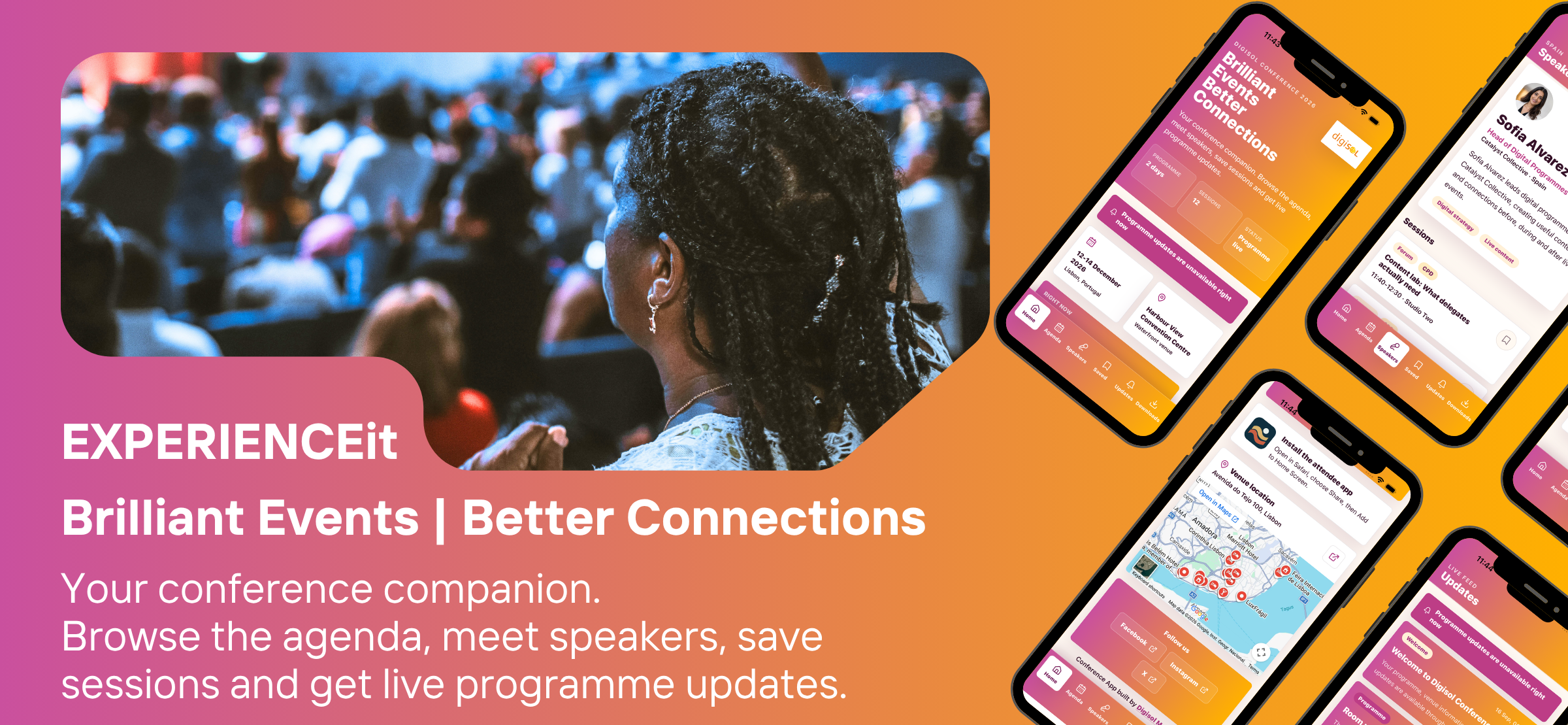
EXPERIENCEit – Brilliant Events | Better Connections
Your conference companion.
Browse the agenda, meet speakers, save sessions and get live programme updates.
EXPERIENCEit is the essential companion for modern conferences, bringing the event programme, practical information and live updates into one clear, easy-to-use app.
Whether you are planning your day before you arrive or navigating a busy venue between sessions, EXPERIENCEit helps you stay informed and make the most of every moment. Browse the agenda, search for sessions, explore speaker profiles and save the sessions that matter most to build your own personal schedule.
Stay up to date as the event evolves. Programme changes, room moves and important announcements can be shared directly with attendees, while reminders help you get to saved sessions on time. Add sessions to your device calendar and keep your plans close at hand throughout the conference.
The app also provides the practical details attendees need on-site, including venue location, travel guidance, accessibility information, Wi-Fi details, help-desk and emergency contacts, local amenities and key event documents. Download important resources such as schedules, floor plans and venue guides for convenient access when connectivity is limited.
EXPERIENCEit is designed to work beautifully as both a web app and a native mobile app, giving attendees a familiar, polished experience on iPhone and Android. Event organisers can manage attendee-facing content, speakers, sponsors, programme information, downloads and updates through a central content system, keeping the app current without requiring attendees to install a new version.
From the first session to the final connection, EXPERIENCEit makes events easier to navigate, more engaging to attend and simpler to remember.
EXPERIENCEit attendee benefits
- One place for the full agenda, speakers, venue details, sponsors and downloads.
- Build a personal schedule by saving the sessions that matter.
- Add saved sessions or the full agenda to a device calendar.
- Get only the notifications they choose: programme changes, session reminders, or general announcements.
- Receive live schedule and room updates without downloading a new app version.
- Keep essential programme and venue information available when event Wi-Fi is unreliable.
- Download a personal agenda calendar and offline venue/programme guide.
- Find rooms, travel information, local amenities, accessibility support, Wi-Fi guidance and help-desk details quickly.
- Access practical emergency and contact information from the app.
- Open documents inside the app with a clear route back to Downloads.
- Discover sponsors, offers, resources and contact information.
- Share the event app easily by link or QR code.
- Use a familiar, branded app on web, iPhone and Android.
In development

Coming soon

Coming soon